 Masroof Masroof
Spending tracker · Oman
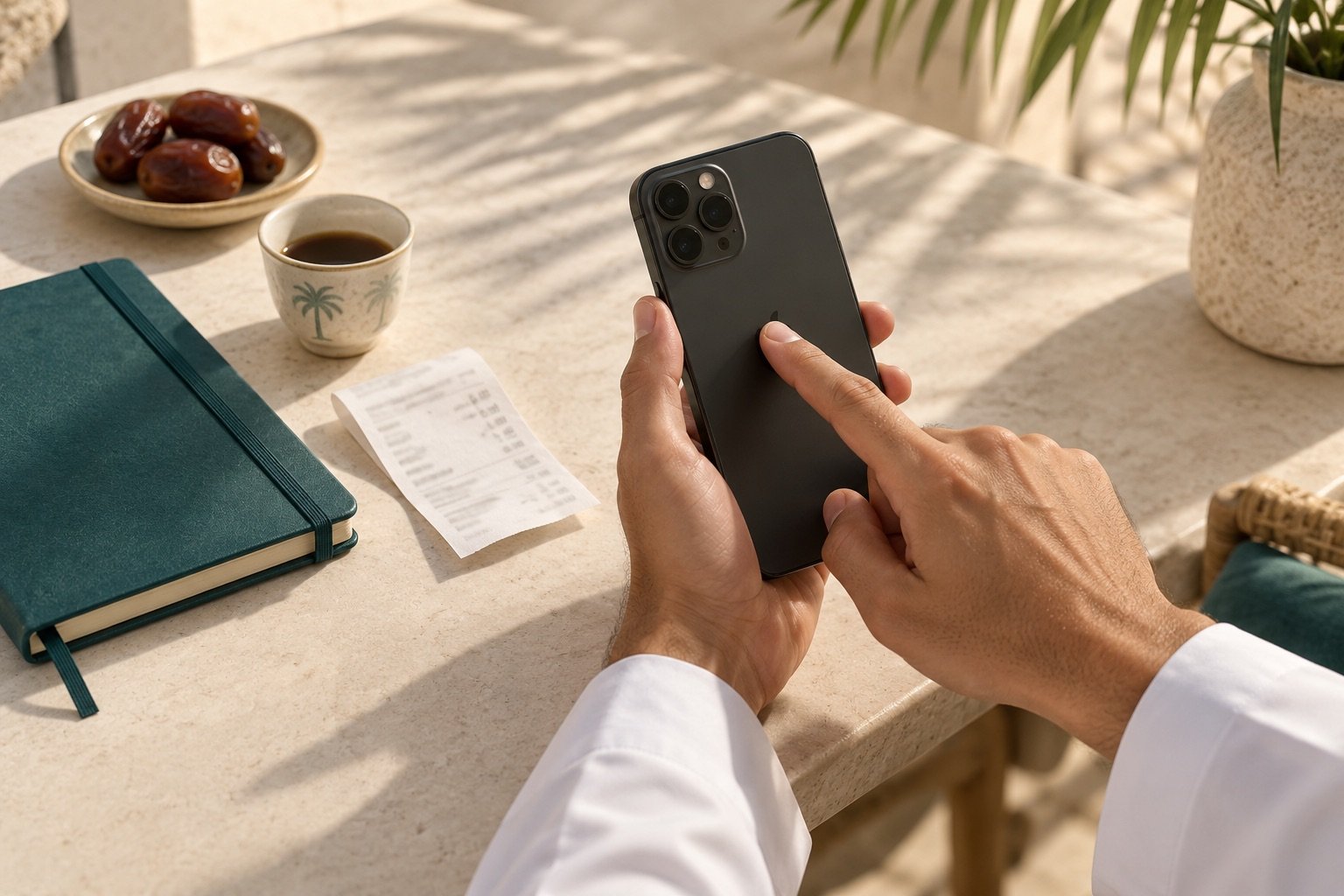
Three taps on the back of your iPhone starts a capture. Pick a category, enter the amount, add a reason and optional notes. Your month updates as soon as the server confirms the save.
Free while it is new. No card, no trial clock.
Scroll to watch a capture
One small habit, every purchase
Every tracker fails the same way: logging costs more effort than forgetting. Masroof makes the next purchase easy to remember.
Start a capture with Back Tap. Unlock your iPhone if iOS asks, then follow the prompts.
Your own list, fetched fresh each time. Add "Wedding" on the website this morning and it is in the list this afternoon.
Add a reason and optional notes, so each purchase makes sense when you review it later.
A notification confirms the figure and category after the server saves your entry. Request retries use the same capture ID.
What comes back
Not a wall of charts. The total, where it went, and every line behind it.
An example month. Amounts carry three decimals, because a rial has a thousand baisa.
Tap any category to see only its entries, or export the lot as a spreadsheet.
The details that decide it
Rial and baisa, stored exactly. 0.001 survives the round trip. Nothing is a floating-point guess.
Set the month to begin on the day you are paid, not the 1st. Every total then matches the money you actually had.
Share a household with your partner by invite code. Both of you tap, both taps land in the same month.
Start from nothing and add what you spend on. Rename, recolour, reorder, archive. The phone follows along.
Nine currencies, each with the right number of decimals. OMR KWD BHD get three, the rest get two.
Export any month, or everything, as a CSV that opens in Numbers or Excel with the amounts already numeric.
Setting up the tap
Download the signed Masroof Shortcut, paste your personal device token once, then assign it to Triple Tap. Your categories stay in sync with the website.
Install the ShortcutThe website works on its own without any of this. Add spending from the browser on any phone, and install it to your home screen if you want it to feel like an app.
Free while it is new. Takes a minute to sign up, five to set up the tap.
Four quick prompts. Your categories, your currency, your household. Set up once and log as you go.
Get startedDownload the Shortcut